01
Network Registration
Create your Clearance Network ID. This unified profile tracks your hours, ratings, and training progress across all simulation platforms.
Step into the virtual tower. Learn the phraseology, master the radar screen, and orchestrate the flow of simulated air traffic in a highly realistic environment.
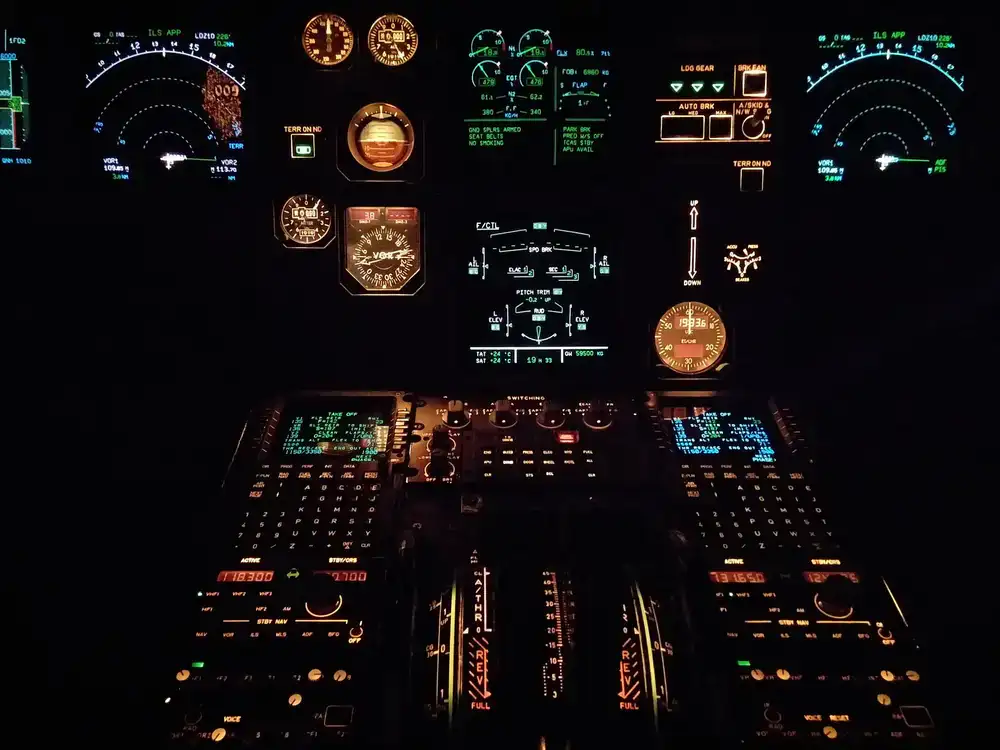
Visual Array // Sector 4 Active
Becoming a virtual controller is a rewarding challenge. We break the process down into clear, structured steps so you can focus on mastering the basics of vectoring and clearances.
Create your Clearance Network ID. This unified profile tracks your hours, ratings, and training progress across all simulation platforms.
Complete our interactive online modules covering basic airspace structures, standard phraseology, and communication protocols.
Connect your radar client as an observer. Listen to live frequencies, watch seasoned controllers, and familiarize yourself with the interface.
Virtual controlling requires focus and a stable setup. You don't need a supercomputer, but a reliable connection and clear audio are strictly required to ensure realism for the pilots on frequency.

Our certified radar clients currently require a Windows operating system. A dual-monitor setup is highly recommended to view charts and radar simultaneously, but not strictly required.
Clear communication is the core of air traffic control. A dedicated headset with a built-in microphone is required. Built-in laptop microphones transmit too much background noise and are not permitted.
You will need to download and install one of our supported radar clients. These lightweight applications connect directly to our servers and generate the radar sweeps on your screen.
Once approved, you will download specific sector files which draw the maps, airways, and terminal areas onto your radar client.
After passing the basic exams, you won't be thrown onto an active frequency alone. Your initial steps into live airspace are guided closely by our mentoring team on a specialized training server known as the 'Sweatbox'.
During these sessions, a mentor generates simulated traffic to test your phraseology and vectoring. Once you demonstrate safe separation and confident radio calls, you will be cleared for your first live session alongside an instructor.
Expect constructive feedback, a steep learning curve, and the profound satisfaction of safely routing complex traffic flows.
Not sure if your setup meets the standard? Have questions about transferring ratings from another network? Send our training department a message below.
Our support desk operates mostly on volunteer time. Please allow 24-48 hours for a response regarding training transfers or hardware inquiries.